想要设置全宽内容,需要注意以下几点:
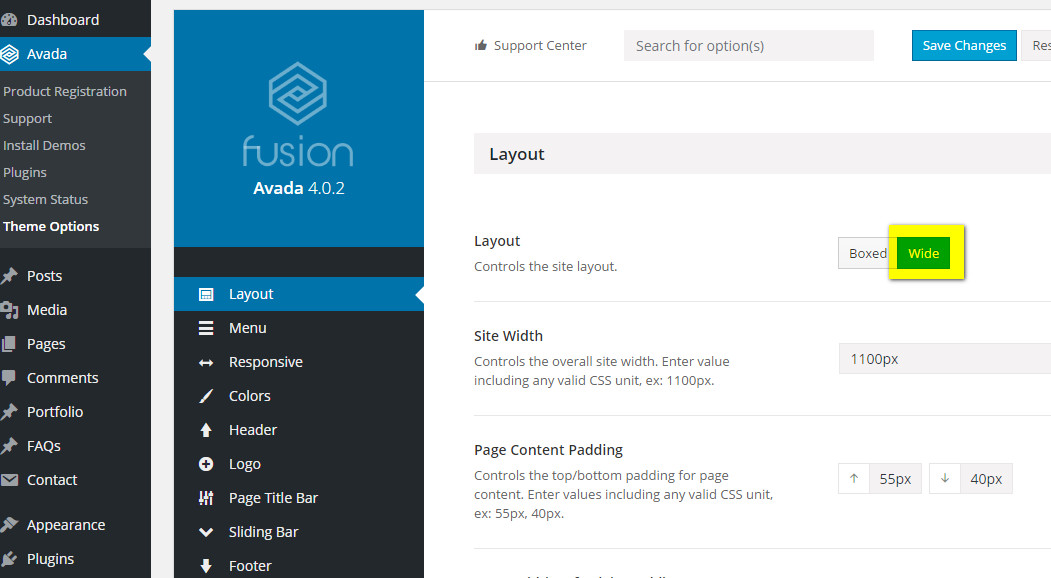
1,layout 设为 Wide
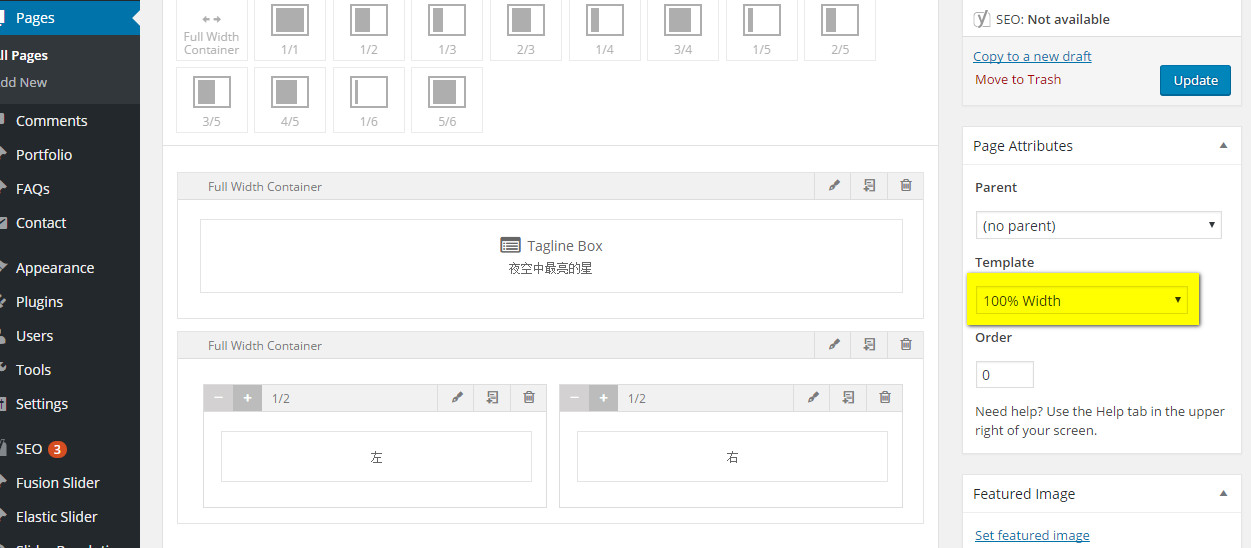
2,页面模板选择100% Width
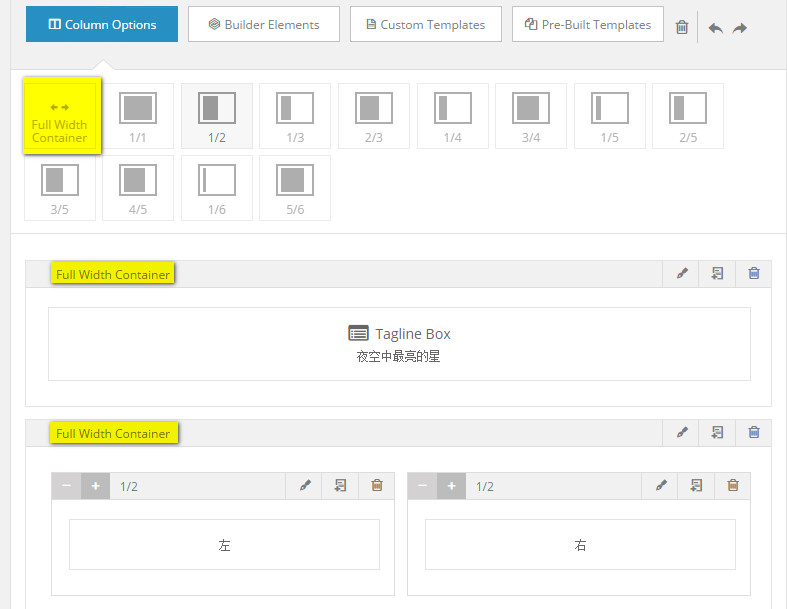
3,Column Options 选择 Full Width Container
如果想实现这样的布局:

即外部 full width,内部不 full width
那么还需要点击 Full Width Container 右侧的画笔,设置 Interior Content Width


想要设置全宽内容,需要注意以下几点:
1,layout 设为 Wide
2,页面模板选择100% Width
3,Column Options 选择 Full Width Container
如果想实现这样的布局:
即外部 full width,内部不 full width
那么还需要点击 Full Width Container 右侧的画笔,设置 Interior Content Width